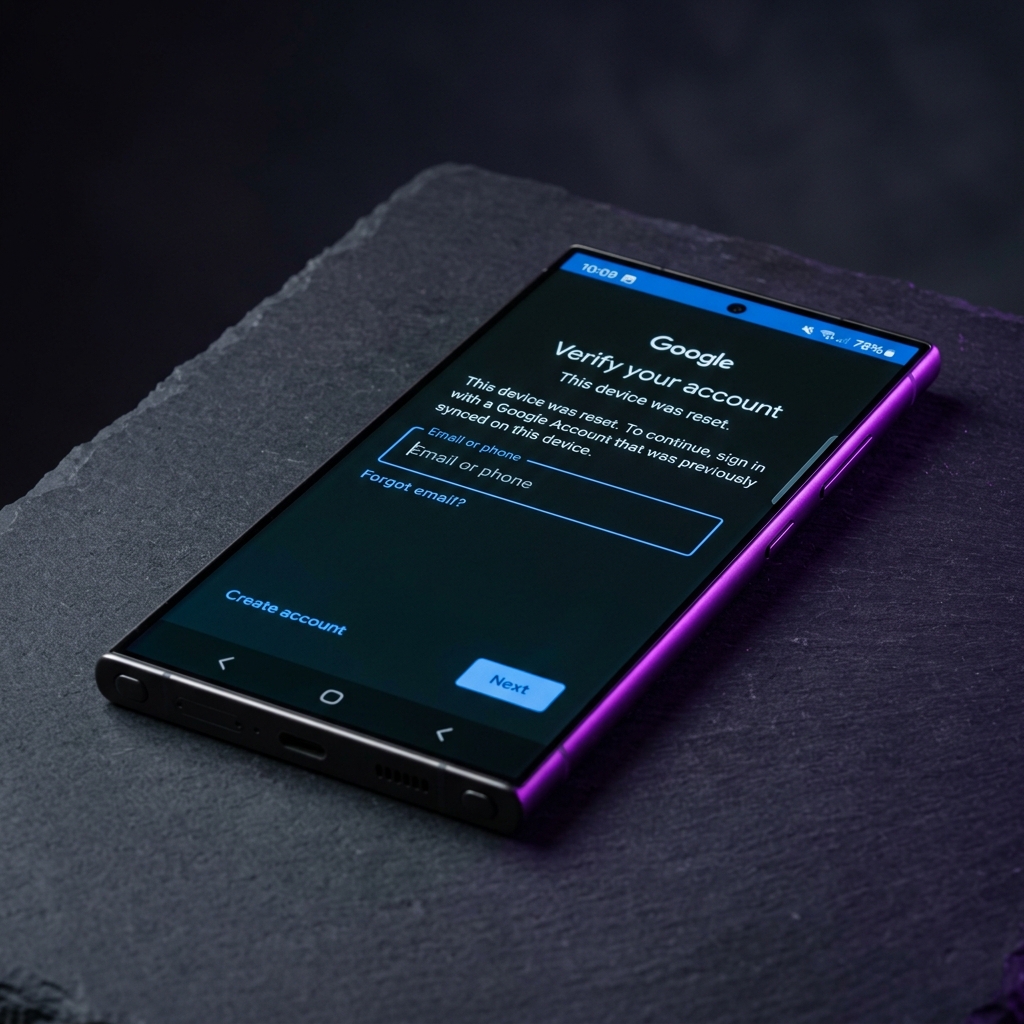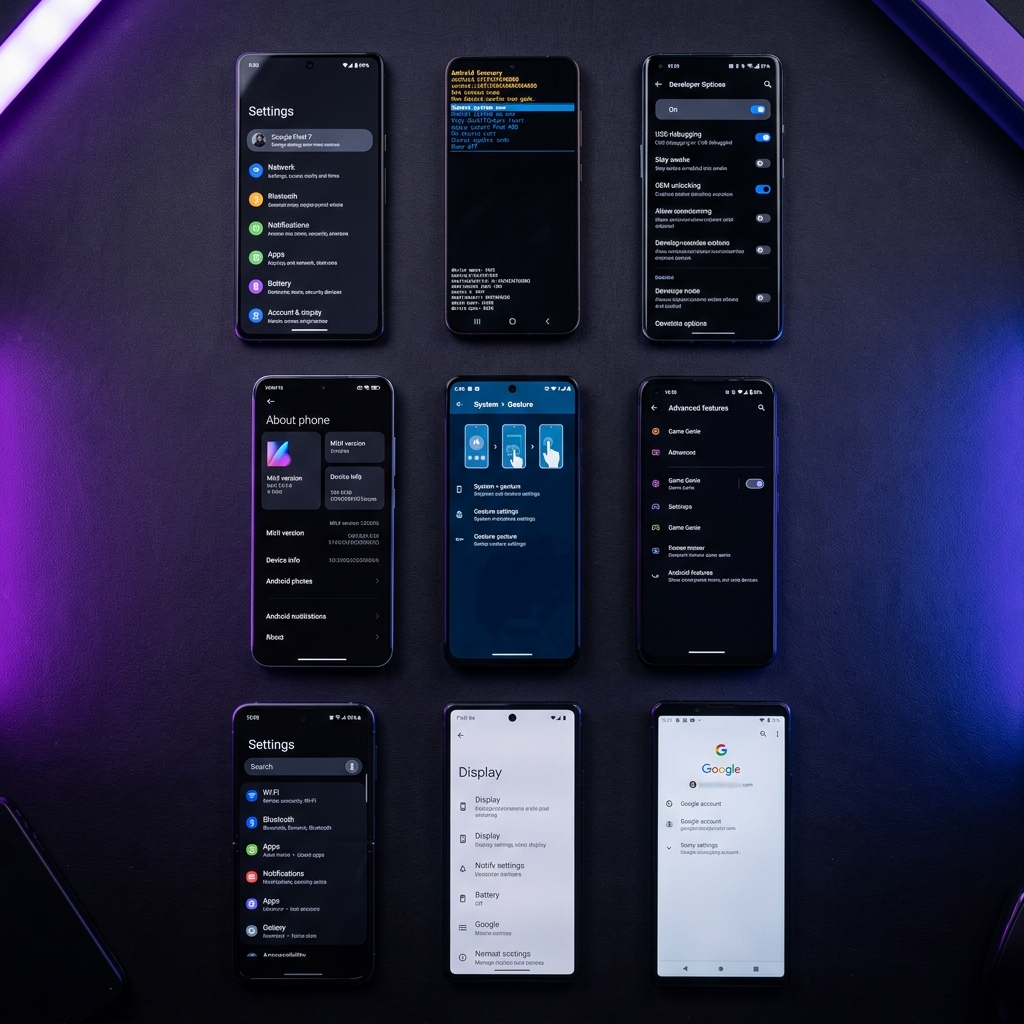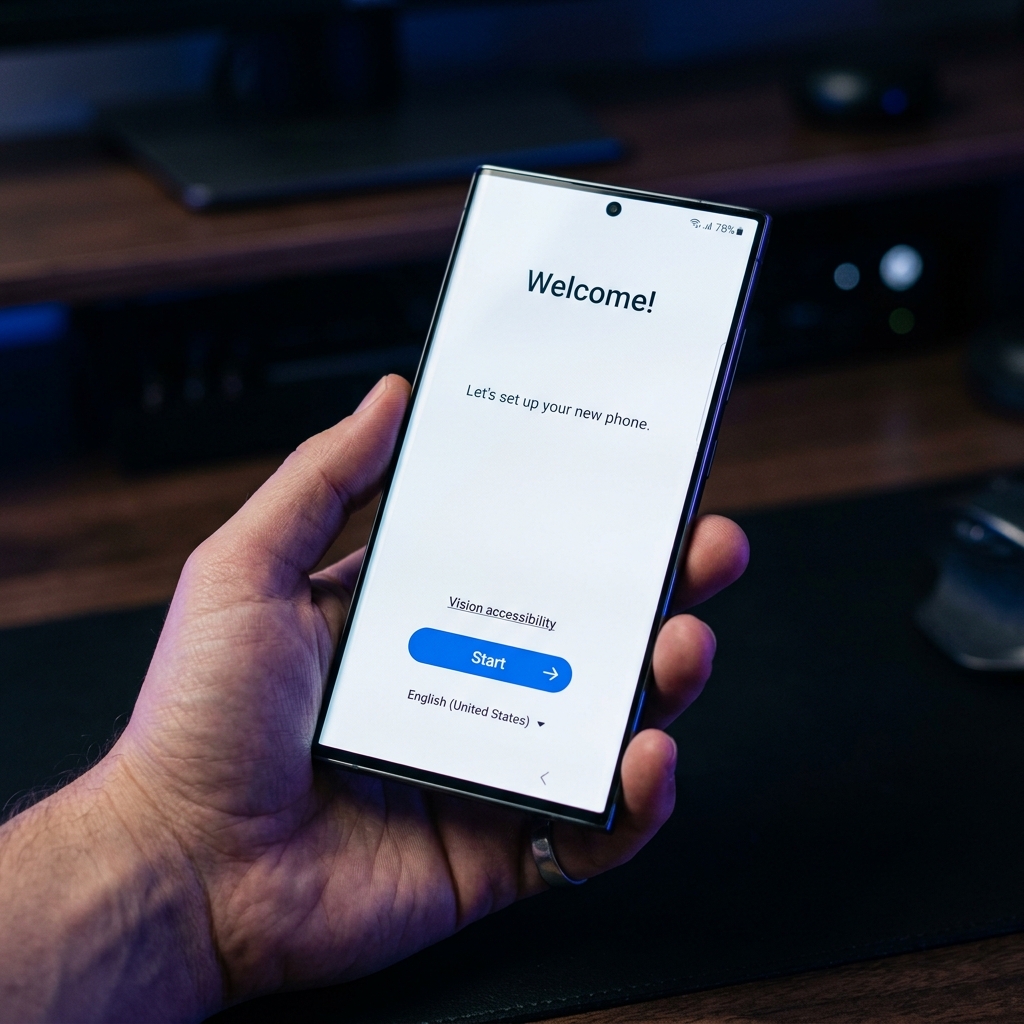
If you've been locked out of your Samsung Galaxy S24 or S25 after a factory reset, you're not alone. Google's Factory Reset Protection (FRP) is designed to prevent unauthorized access, but it can also lock out the rightful owner. This guide will walk you through two proven methods to bypass FRP on Samsung's latest flagships running Android 15.
What You'll Need
Before starting, make sure you have the following:
- A Samsung Galaxy S24 or S25 (any variant)
- Stable Wi-Fi connection
- A working SIM card (optional but helpful)
- FRP Bypass APK (download link in sidebar)
- Approximately 10-15 minutes of time
Method 1: TalkBack Method (No PC Required)
This is the easiest and most reliable method for Samsung Galaxy S24/S25. No computer needed — just follow these steps on the phone itself.
Start the Setup Process
Turn on your Samsung phone and go through the initial setup until you reach the "Verify your Google Account" screen. Connect to Wi-Fi when prompted.
Enable TalkBack
On the Google verification screen, tap and hold two fingers on the screen for 3 seconds to trigger TalkBack. Alternatively, press the Volume Up + Volume Down buttons simultaneously for 3 seconds.
Open TalkBack Settings
Once TalkBack is active, draw an "L" shape on the screen to open the TalkBack menu. Select "TalkBack Settings" from the menu.
Access the Browser
In TalkBack settings, look for "Help & feedback" or any option with a link. Tap on any hyperlink to open the browser. Navigate to a file-sharing site to download the FRP Bypass APK.
Install & Run the APK
Download the FRP Bypass APK from our link. Install it (enable "Install from Unknown Sources" if prompted). Run the app and follow the on-screen instructions to remove the Google account.
Restart & Complete Setup
Once the Google account is removed, restart your phone. Go through the setup process again — this time you won't be asked to verify a Google account. Done!
Method 2: Alliance Shield Method
If the TalkBack method doesn't work on your device (some security patches may block it), try the Alliance Shield method instead. This method works on even the latest security patches.
Access Samsung Keyboard Settings
On the Google verification screen, tap the text input field to bring up the keyboard. Long-press the Settings/Gear icon on the keyboard to access keyboard settings.
Navigate to Chrome Browser
In keyboard settings, find "About Samsung Keyboard" or any option with a link. This will open a browser window. Navigate to the Alliance Shield download page.
Install Alliance Shield X
Download and install Alliance Shield X from our verified link. Open the app and create a free account (or use a temporary email).
Grant Device Admin Permissions
Alliance Shield will request Device Admin permissions. Grant them. Then search for "Google Account Manager" in the app's package list and force stop it.
Clear FRP Data
In Alliance Shield, search for "SetupWizard" and clear its data. Then search for "Google Play Services" and clear its cache and data. This removes the FRP lock.
ADB Command Method (Advanced)
For advanced users, you can also use ADB commands to remove FRP. Connect your phone to PC in recovery mode and run:
Troubleshooting
If you encounter any issues, try these solutions:
Conclusion
Bypassing FRP on the Samsung Galaxy S24 and S25 running Android 15 is straightforward when you follow the right steps. The TalkBack method is the easiest for most users, while the Alliance Shield method works on devices with the latest security patches.
Remember to always use these methods responsibly and only on devices that belong to you. If you found this guide helpful, please share it with others who might need it, and don't forget to subscribe to our newsletter for the latest tutorials.