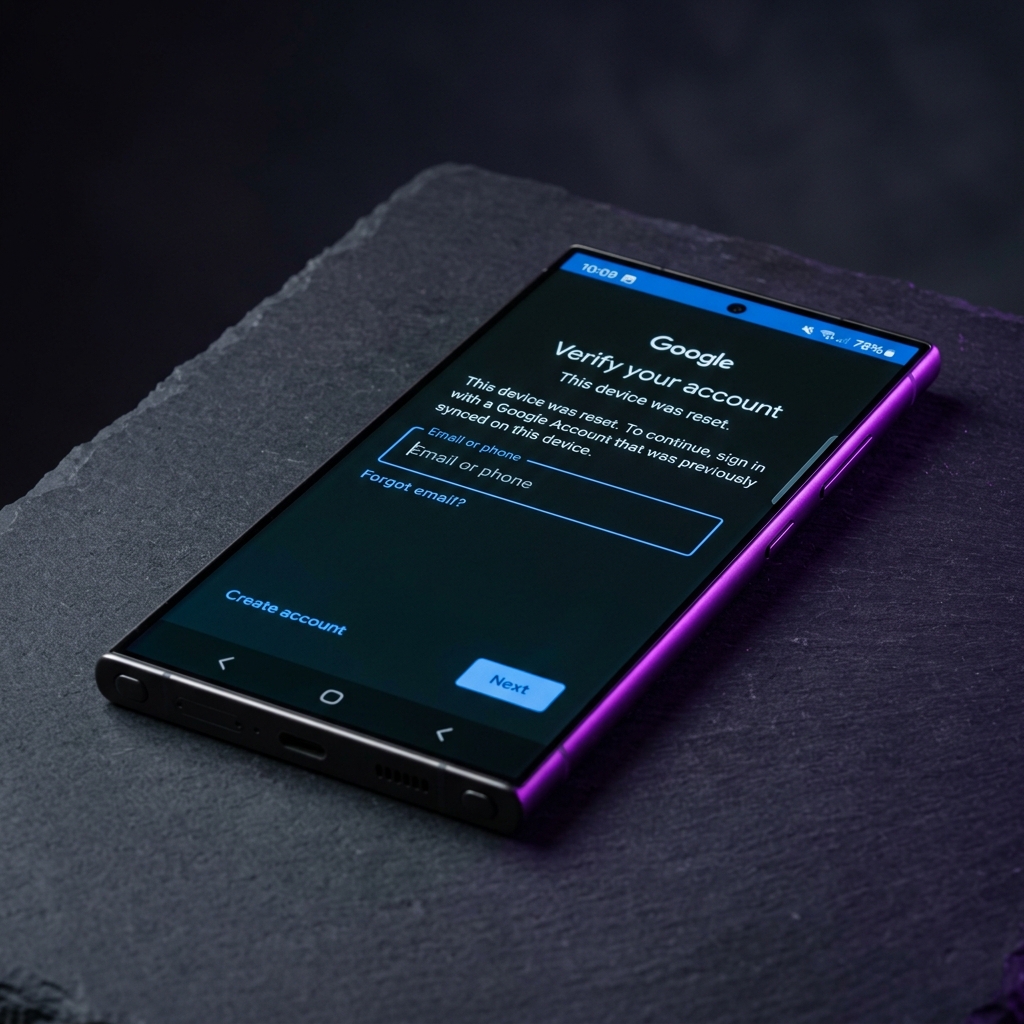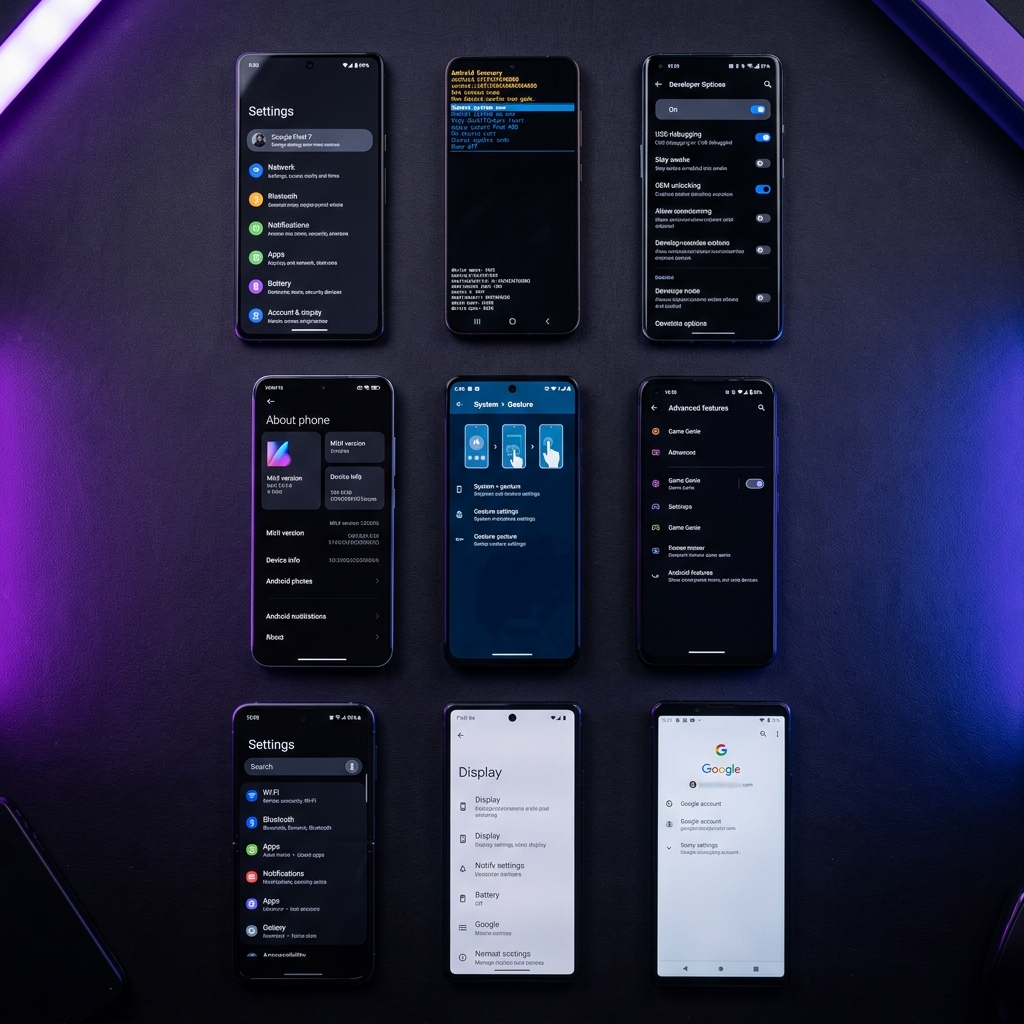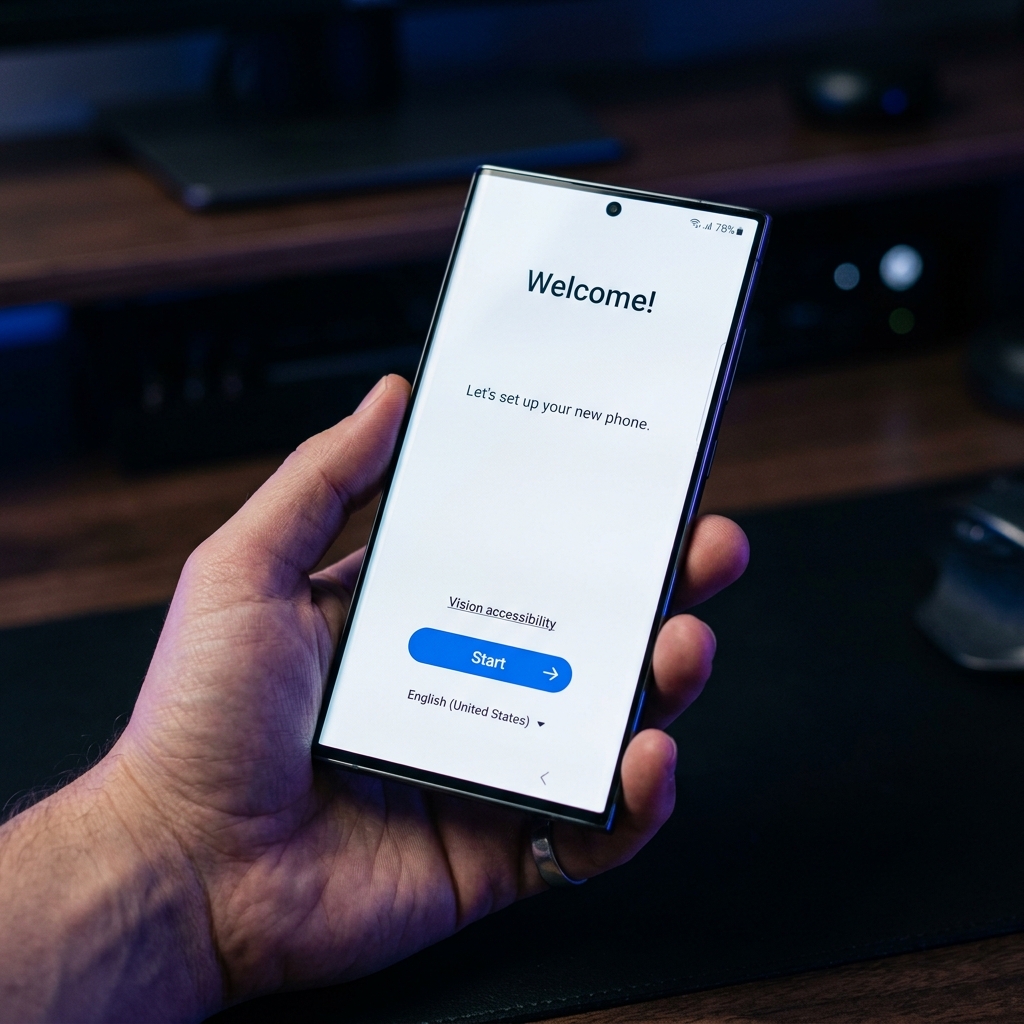
Factory Reset Protection (FRP) is a security feature built into Android devices that activates after a factory reset. If you've forgotten the Google account credentials previously linked to your Samsung Galaxy S24 or S25, this guide will walk you through the complete process of bypassing the FRP lock on Android 15. We cover multiple methods that work with the latest security patches, so you can regain full access to your device.
What You'll Need
- Samsung Galaxy S24, S24+, S24 Ultra, S25, S25+, or S25 Ultra with FRP lock
- A stable Wi-Fi connection
- A secondary phone or computer to download required APKs
- A USB-C OTG cable (for Method 2)
- A USB flash drive formatted as FAT32 (for Method 2)
Method 1: TalkBack Method
The TalkBack method exploits the accessibility features in Android 15 to bypass the FRP lock screen. This is the easiest method and does not require a PC or any additional hardware.
- Step 1: Connect to Wi-Fi – On the initial setup screen, select your language and connect to a Wi-Fi network. Wait for the device to check for updates and reach the Google sign-in screen.
- Step 2: Activate TalkBack – On the Google sign-in page, press and hold the volume up and volume down buttons simultaneously for approximately 3 seconds until TalkBack activates. You will hear a voice confirmation.
- Step 3: Access TalkBack Settings – Once TalkBack is enabled, draw an “L” shape on the screen to open the TalkBack context menu. Select “TalkBack Settings” from the menu.
- Step 4: Open the Browser – Inside TalkBack settings, navigate to “Help & Feedback” and tap on any article that contains a hyperlink. This will open the Samsung browser or Chrome, giving you access to the internet.
- Step 5: Download FRP Bypass APK – In the browser, navigate to the BKSmartphone tools page and download the FRP Bypass APK. Once downloaded, open and install the APK. You may need to enable “Install from Unknown Sources” in settings.
- Step 6: Complete the Bypass – Open the FRP Bypass app and follow the on-screen instructions to remove the Google account. The device will restart, and you can now set up your phone with a new Google account.
Method 2: Alliance Shield Method
The Alliance Shield method uses the Alliance Shield X app to manage and remove the locked Google account. This method is more reliable on recent security patches but requires a USB OTG cable.
- Step 1: Prepare the USB Drive – On a computer, download the Alliance Shield X APK and the FRP Bypass APK from the BKSmartphone tools page. Copy both APK files to a FAT32-formatted USB flash drive.
- Step 2: Connect to the Device – Plug the USB flash drive into the Samsung Galaxy S24/S25 using a USB-C OTG adapter. The device should detect the drive at the initial setup screen.
- Step 3: Install Alliance Shield X – Use the built-in file manager (accessible via the OTG notification) to navigate to the USB drive and install the Alliance Shield X APK. Create a free account or log in if you already have one.
- Step 4: Disable FRP Components – Open Alliance Shield X, search for “Google Account Manager” in the app list, and force stop and disable it. Then search for “Google Play Services” and clear its data and cache.
- Step 5: Finalize the Bypass – Go back to the setup wizard and skip the Google sign-in step. The FRP lock will no longer block the setup process. Complete the device setup with a new Google account.
ADB Command Method (Advanced)
For advanced users comfortable with the command line, you can bypass FRP using ADB (Android Debug Bridge). This requires a PC with ADB installed and USB Debugging enabled via a workaround.
# Step 1: Verify device connection
adb devices

# Step 2: Remove FRP lock via ADB shell
adb shell content delete --uri content://settings/secure --where "name='lock_screen_lock_after_timeout'"

# Step 3: Remove Google account data
adb shell am broadcast -a android.intent.action.MASTER_CLEAR

# Step 4: Alternative - Disable setup wizard
adb shell pm disable-user --user 0 com.google.android.setupwizard

# Step 5: Reboot the device
adb reboot
Troubleshooting
Conclusion
Bypassing FRP on the Samsung Galaxy S24 and S25 series running Android 15 is straightforward when you follow the right steps. The TalkBack method is the simplest and works on most security patches, while the Alliance Shield method provides a more reliable solution for devices with the latest patches.
Remember to always use these methods responsibly and only on devices that belong to you. If you found this guide helpful, share it with others who might need it, and check out our other tutorials for more Android bypass solutions.