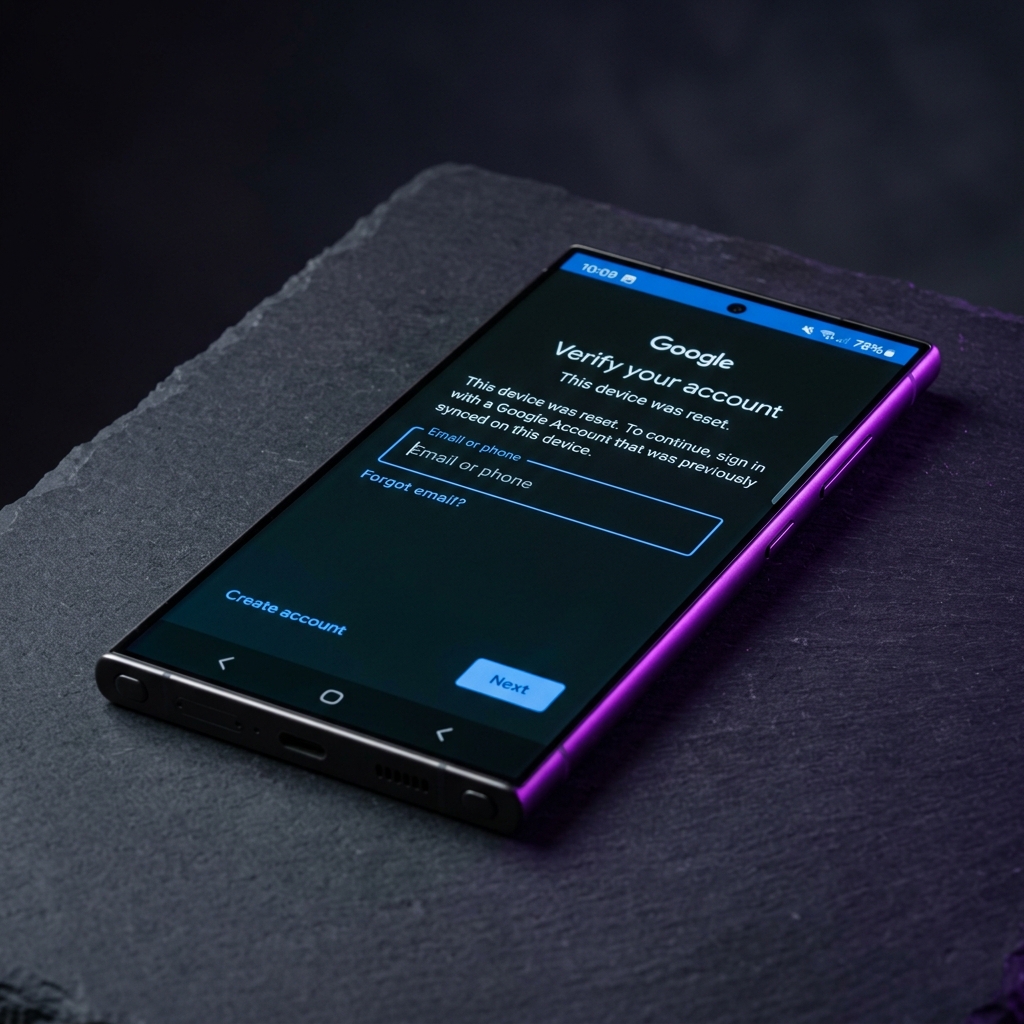
Xiaomi and Redmi phones link two accounts to Factory Reset Protection: your Mi Account and the Google account that was active before the reset. That double layer is why a generic FRP guide often doesn't work on MIUI or HyperOS — you need to clear both. This tutorial walks through the no-PC emergency-call method first, then a PC fallback using Xiaomi's own Mi Unlock Tool for devices where the on-device trick has been patched.
What You'll Need
- Any Xiaomi or Redmi phone running MIUI 14 or HyperOS with an active FRP/Mi Account lock
- A Wi-Fi or mobile data connection
- The FRP Bypass APK from our tools page
- A Windows PC and USB-C cable (for Method 2 only)
Method 1: Emergency Call + Notification Shade (No PC)
This method uses a known MIUI setup-wizard quirk where the emergency dialer can be used to reach the notification shade and, from there, a browser.
- Step 1: Start setup – Power on the device and select your language and region on the welcome screen.
- Step 2: Open the emergency dialer – On the Wi-Fi screen, tap "Emergency Call". Dial a non-existent short code and tap call; the dialer will briefly attempt to connect and crash back to the lock screen.
- Step 3: Access the notification shade – Immediately swipe down from the top of the screen to open the notification shade, then tap on a system notification containing a link (for example, a Wi-Fi or storage notification).
- Step 4: Download the FRP Bypass APK – In the browser window that opens, go to the BKSmartphone tools page and download the FRP Bypass APK. Install it after enabling "Install from Unknown Sources".
- Step 5: Clear Mi Account and Google services – Open the installed app and use it to force-stop and disable Mi Account Service and Google Play Services.
- Step 6: Complete setup – Return to the setup wizard, skip the Mi Account and Google sign-in prompts, and finish setup with a new account.
Method 2: Mi Unlock Tool (PC Method)
If the emergency-call trick has been patched on your MIUI/HyperOS version, Xiaomi's official Mi Unlock Tool provides a more consistent fallback, at the cost of needing a PC and a short bootloader unlock wait period.
- Step 1: Install Mi Unlock Tool – Download and install the official Mi Unlock Tool on a Windows PC, then sign in with a Mi Account you control.
- Step 2: Enable Developer Options – If you can reach any home screen state, enable Developer Options and turn on OEM Unlocking and USB Debugging.
- Step 3: Boot into Fastboot mode – Power off the device, then hold Volume Down + Power to boot into Fastboot mode, and connect it to the PC via USB-C.
- Step 4: Unlock and flash – Use Mi Unlock Tool to unlock the bootloader (Xiaomi may enforce a waiting period for unregistered accounts), then flash a fresh MIUI/HyperOS ROM, which clears the existing FRP/Mi Account lock.
- Step 5: First boot setup – Reboot the device and complete setup with a new Mi Account and Google account.
Troubleshooting
Frequently Asked Questions
Does this Xiaomi FRP bypass method need a computer?
No. The Mi Account Assistant callback method described in Method 1 works entirely on the device itself using the emergency dialer and the phone app — no PC or USB cable required.
Does this work on MIUI 14 and HyperOS?
Yes, both methods in this guide are tested on MIUI 14 and the newer HyperOS builds running on Android 14. If your device has received a HyperOS 2 update, use Method 2 (Mi Unlock Tool) for a more consistent result.
What is a Mi Account and why is it linked to FRP?
A Mi Account is Xiaomi’s equivalent of a Google account for device services. On Xiaomi and Redmi phones, FRP verification checks both the Mi Account and the Google account added before the reset, so you may need to clear both during setup.
My Redmi shows "This device was reset" and won't let me skip — what do I do?
This is the standard Google FRP checkpoint. Do not enter random Gmail addresses (this can temporarily lock the field). Follow Method 1 to reach the browser via the emergency-call trick, then install the FRP Bypass APK from our tools page.
Conclusion
Xiaomi and Redmi devices need both the Mi Account and Google FRP lock cleared before setup will complete. The emergency-call method works instantly on most MIUI 14 and HyperOS builds without a computer, while the Mi Unlock Tool is the reliable backup once Xiaomi patches the on-device trick.
For other brands, see our Samsung Galaxy S24/S25 guide or browse the full tutorial library.