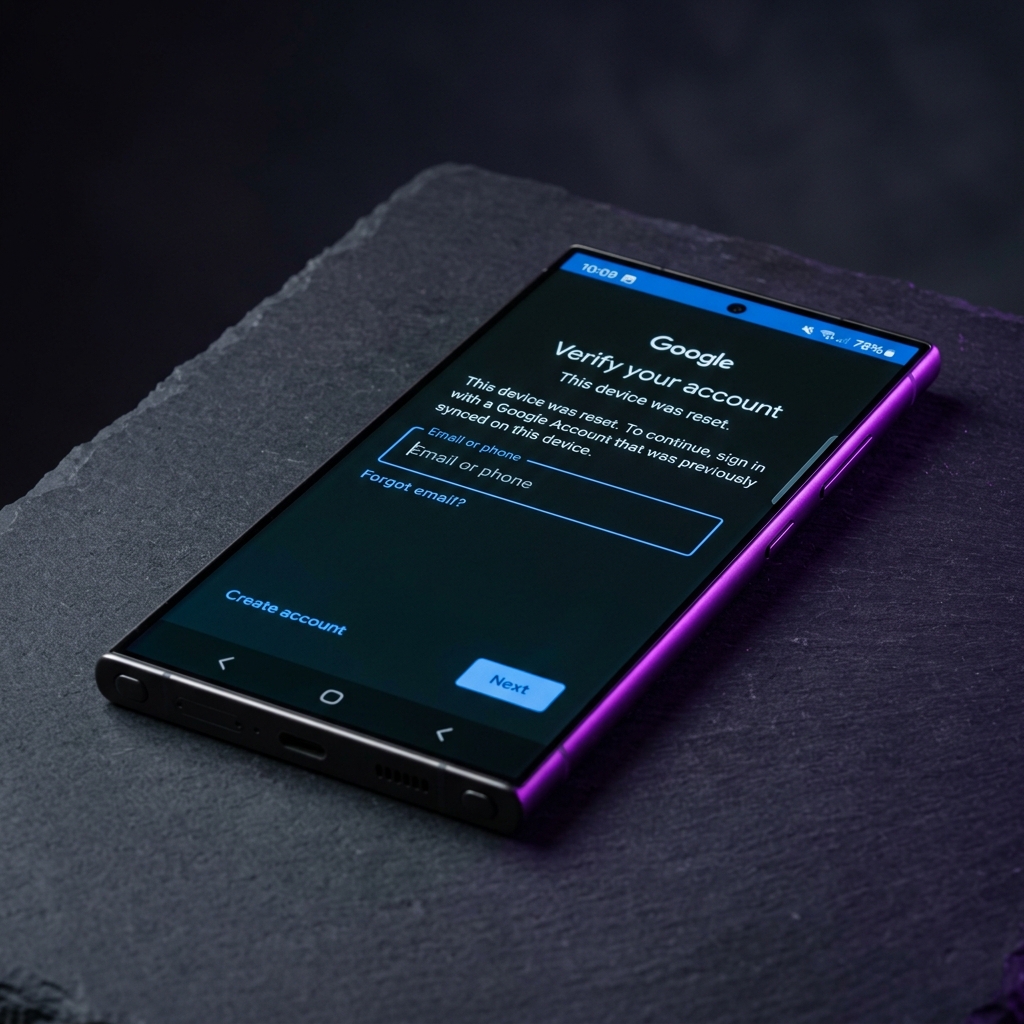
How FRP Works
The moment you add a Google account to an Android device, FRP is silently enabled in the background — you never have to turn it on manually. From that point forward, any factory reset (whether triggered from Settings, Android Recovery, or an unauthorized wipe) will lock the device at the initial setup screen until the same Google account signs back in. Android verifies this using an account token stored in a protected partition that survives a standard reset, which is exactly why a simple wipe doesn't remove it.
Why Google Built FRP
FRP was introduced with Android 5.1 Lollipop in 2015, directly in response to rising smartphone theft rates. Before FRP, a stolen phone could be wiped and resold as a fully working device within minutes. FRP broke that business model: a reset phone without the original account credentials becomes effectively unusable, which removed much of the financial incentive behind phone theft.
When FRP Becomes a Problem for Legitimate Owners
FRP doesn't distinguish between a thief and a forgetful owner — it only checks for the account credentials. That means legitimate situations where people get locked out include:
- Forgotten Google account password after a reset performed for troubleshooting or resale.
- Buying a second-hand phone where the previous owner didn't remove their account before the sale.
- Repair shops that need to factory reset a device and don't have the owner present to sign back in.
- Old, unused accounts where the recovery email or phone number is no longer accessible.
In these cases, the legitimate owner needs either the original account recovery options from Google, or one of the manufacturer-specific bypass methods covered in our tutorial library.
FRP vs. iCloud Activation Lock
Apple's iPhone equivalent is iCloud Activation Lock, tied to an Apple ID instead of a Google account. Both systems exist for the same anti-theft reason, but they are built on entirely different verification systems, so a method that removes FRP on Android has no effect on an iPhone, and vice versa.
How to Avoid Getting Locked Out
- Remove your Google account before resetting — go to Settings > Accounts, select your Google account, and remove it before performing a factory reset.
- Use the built-in reset flow — Settings > System > Reset options > Erase all data prompts for account removal automatically, unlike a recovery-mode wipe.
- Keep your account recovery details current — an up-to-date recovery email and phone number on your Google account make it possible to regain access without needing a bypass at all.
- Ask the seller to remove their account — if buying second-hand, have the previous owner sign out and remove their Google account before you take the device.
Frequently Asked Questions
What is Factory Reset Protection (FRP)?
Factory Reset Protection (FRP) is a Google anti-theft security feature, present on every Android device since Android 5.1 Lollipop, that requires you to sign back in with the Google account last synced on the device before it can be used again after a factory reset.
Why does FRP activate after a factory reset?
Android automatically enables FRP the moment a Google account is added to a device. It stays active through any reset performed from Settings, recovery mode, or a stolen device, so a thief cannot simply wipe and reuse a phone.
How do I check if FRP is enabled on my phone?
If a Google account is signed in under Settings > Accounts, FRP is active by default. You can confirm it will trigger by checking Settings > Google > Security > Devices, where the same Google account should appear as the device owner.
How do I avoid getting locked out by FRP in the future?
Before performing any factory reset, remove your Google account from Settings > Accounts first, or use Settings > System > Reset options, which prompts for account removal automatically. Always keep your Google account credentials backed up somewhere safe.
Is FRP the same as an iCloud lock on iPhone?
They serve the same anti-theft purpose but are different systems. FRP is Google's Android implementation tied to a Google account, while iCloud Activation Lock is Apple's equivalent tied to an Apple ID. The bypass methods for each are entirely different.
Does FRP protect against theft, or just annoy legitimate owners?
Both, depending on the situation. For a stolen device, FRP is an effective deterrent since a thief can't use or resell it without the original owner's credentials. For a legitimate owner who forgot their password or bought a second-hand phone without an account transfer, FRP becomes an obstacle that requires either a bypass method or contacting the previous owner.
Conclusion
FRP is a legitimate security feature, not a bug — it just doesn't have a built-in way to tell a thief apart from a legitimate owner who lost access to their account. If you're locked out of your own device, browse our brand-specific guides for Samsung, Xiaomi/Redmi, and Oppo devices, or see the full list of verified bypass tools.